
AI App Store screenshot generator
Generate app screenshots that convert.
Paste your App Store or Play Store link and LaunchPulse learns the brand, then turns locked app screens and design references into conversion-focused screenshots.
Your link is only used to learn app store positioning and brand cues.
Live examples
Beautiful screenshots that convert
DecorAI4 screenshots
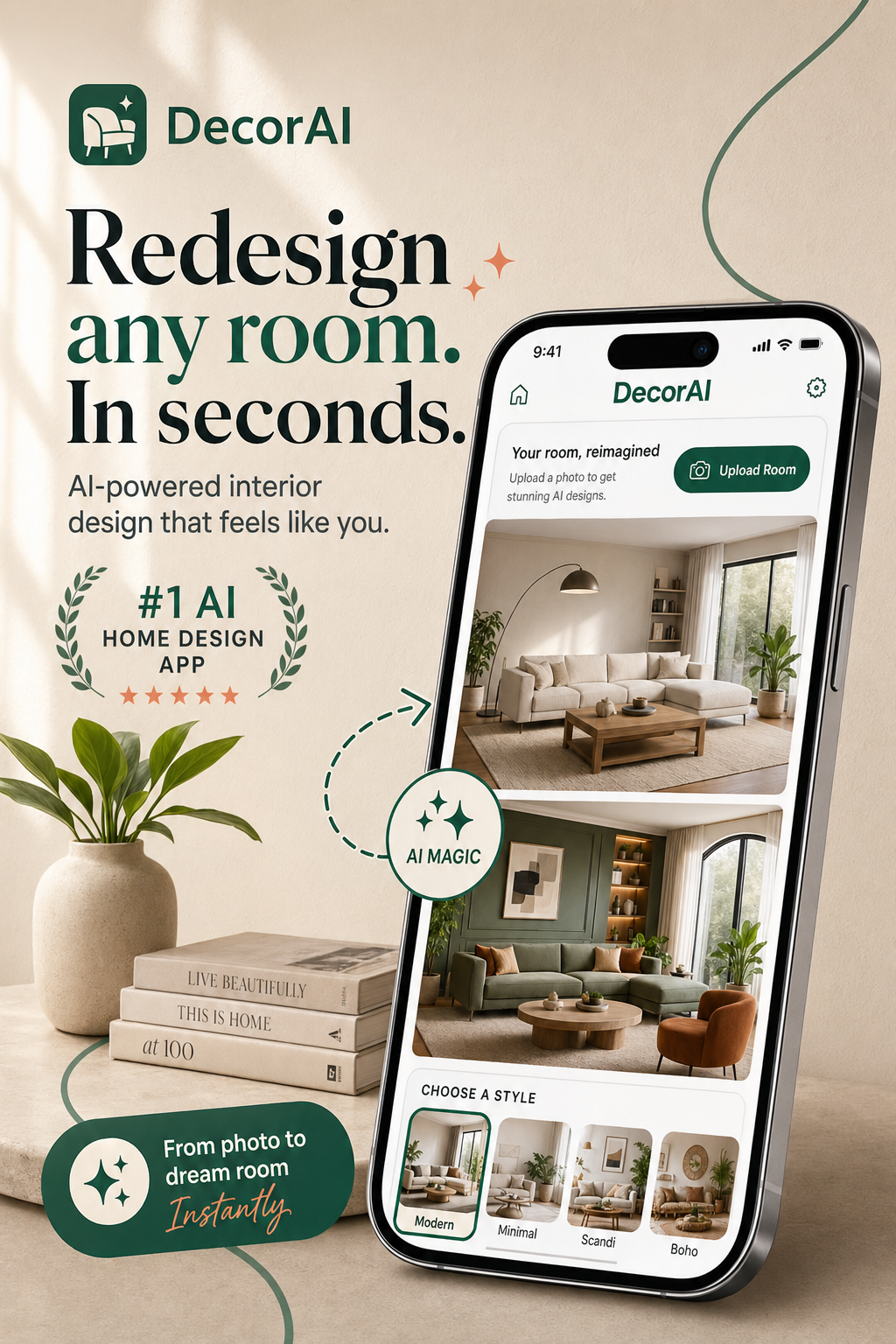
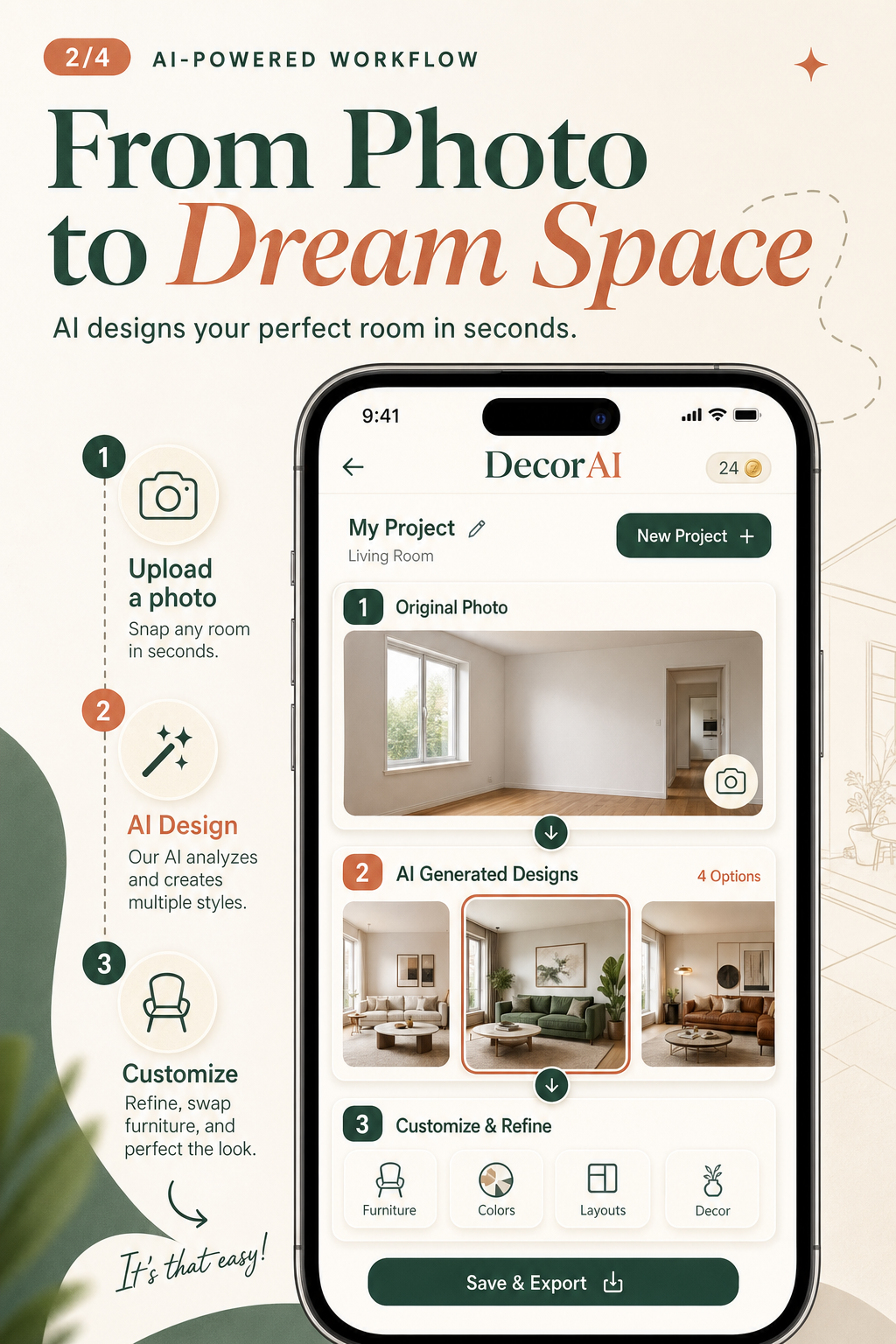
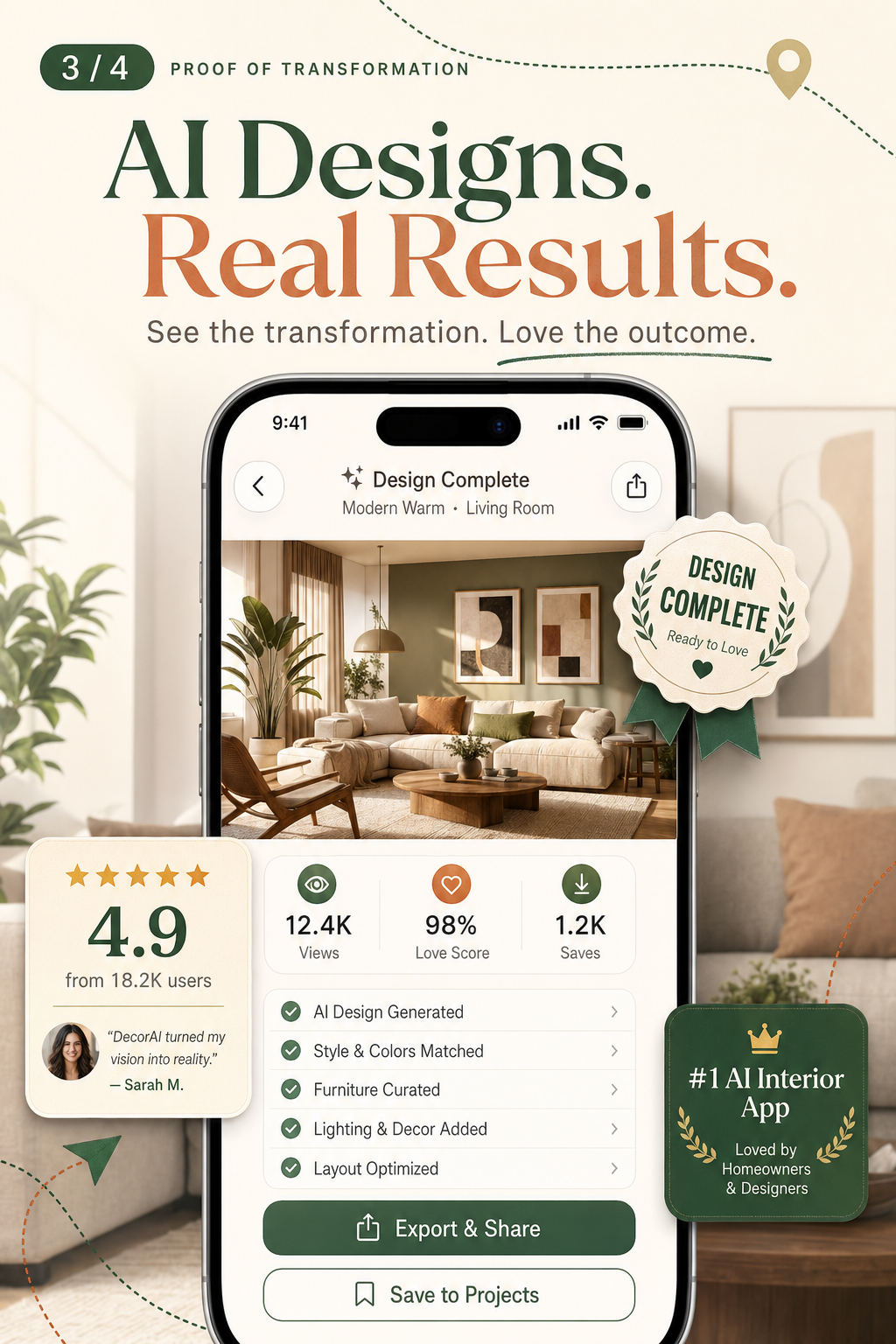
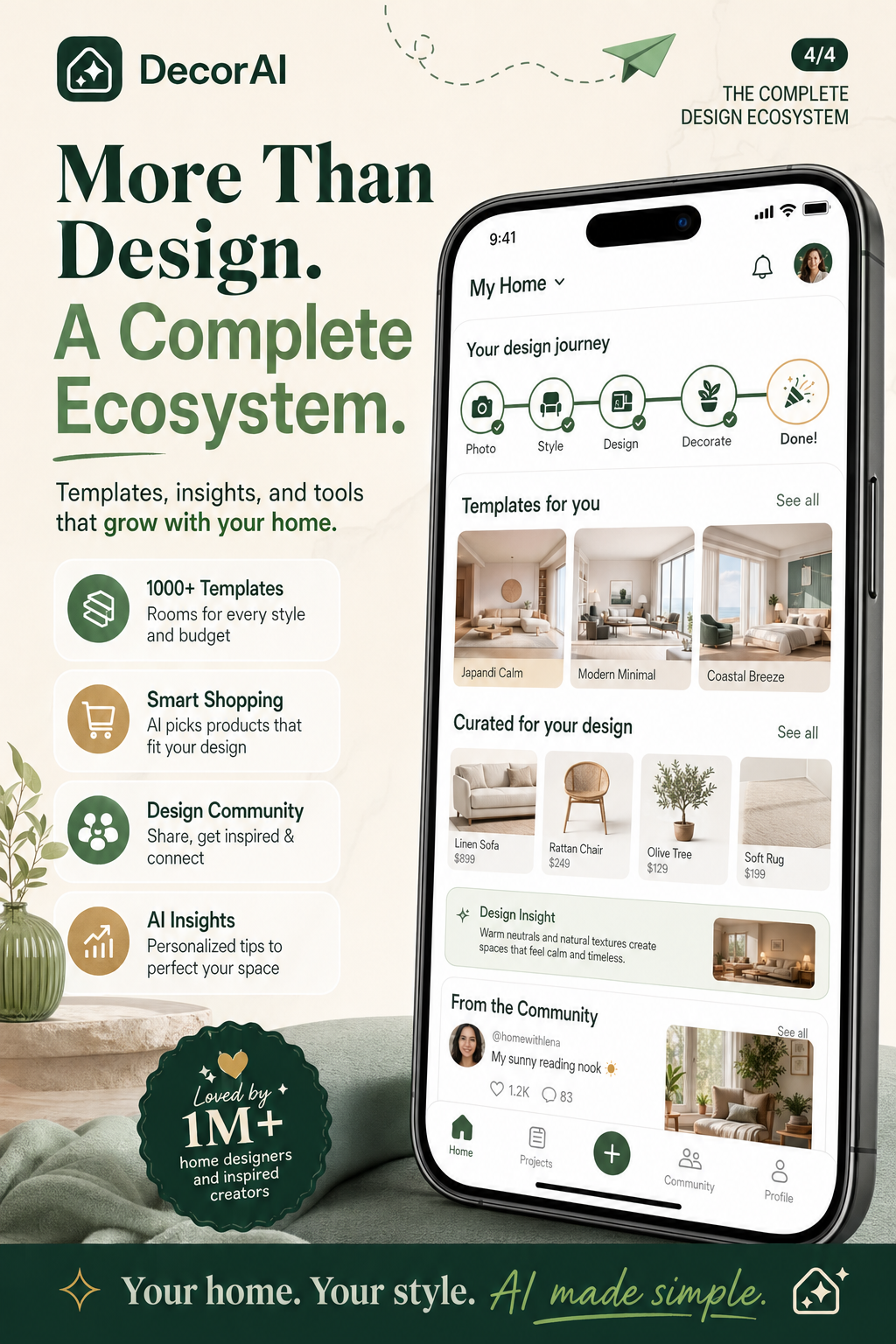
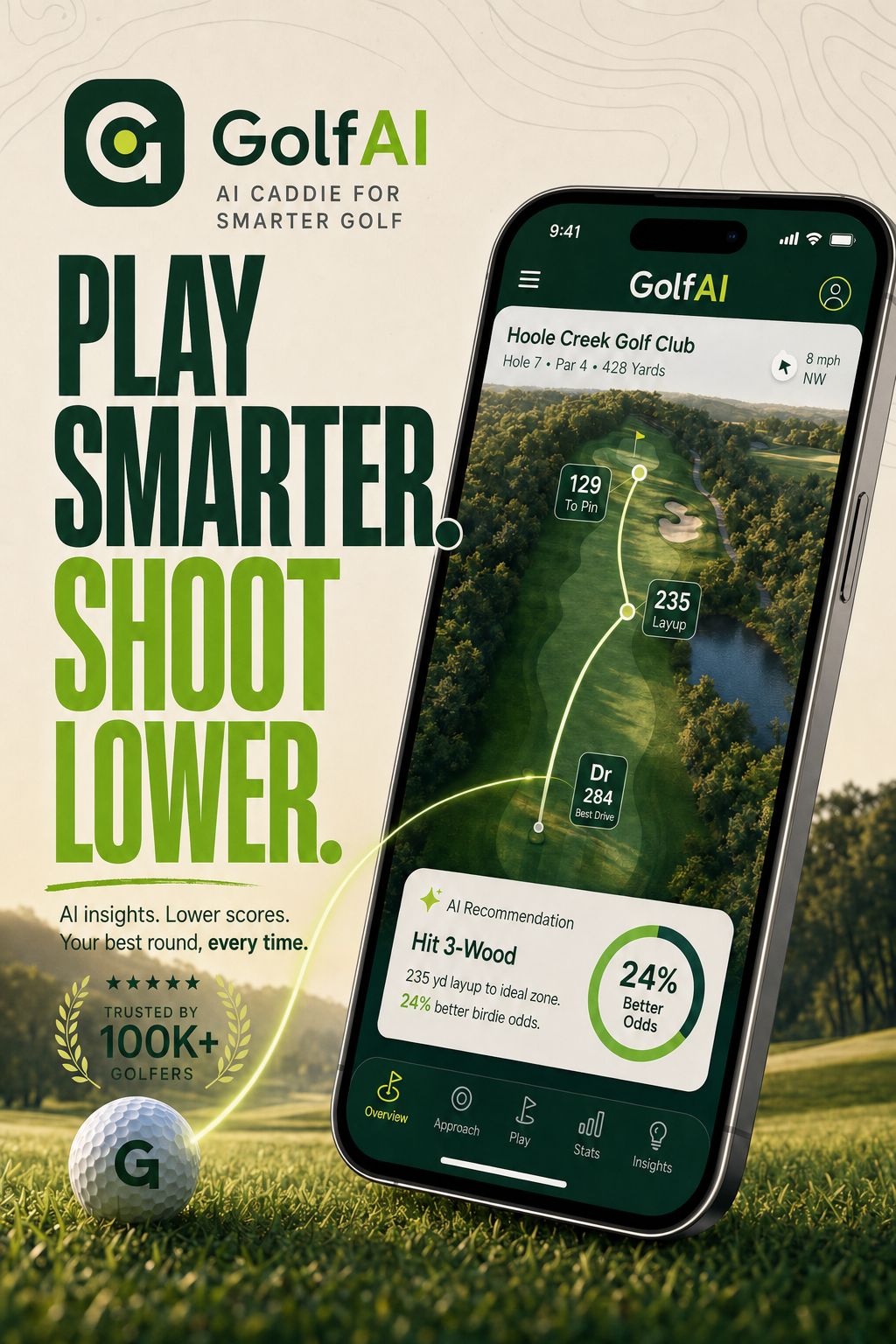
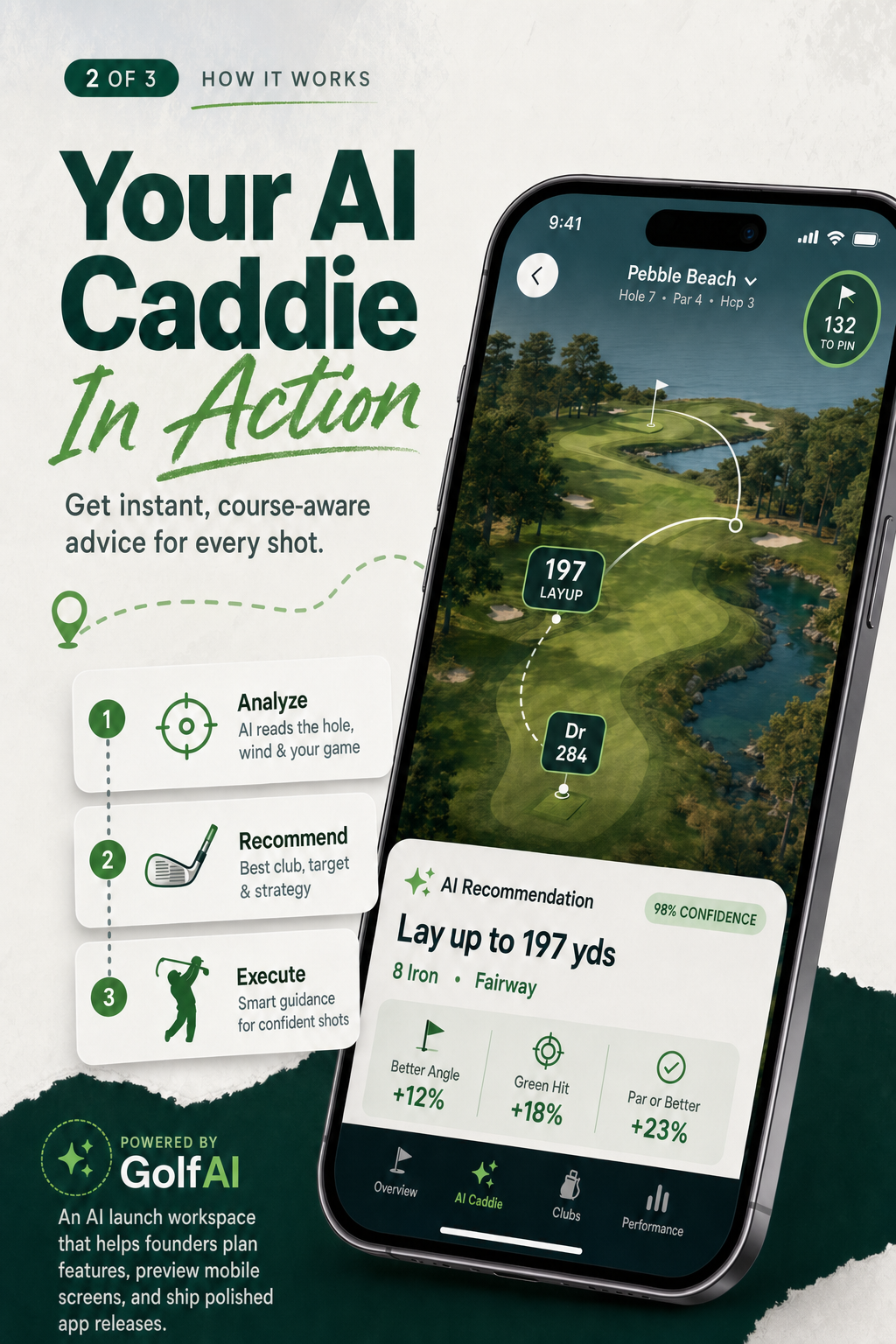
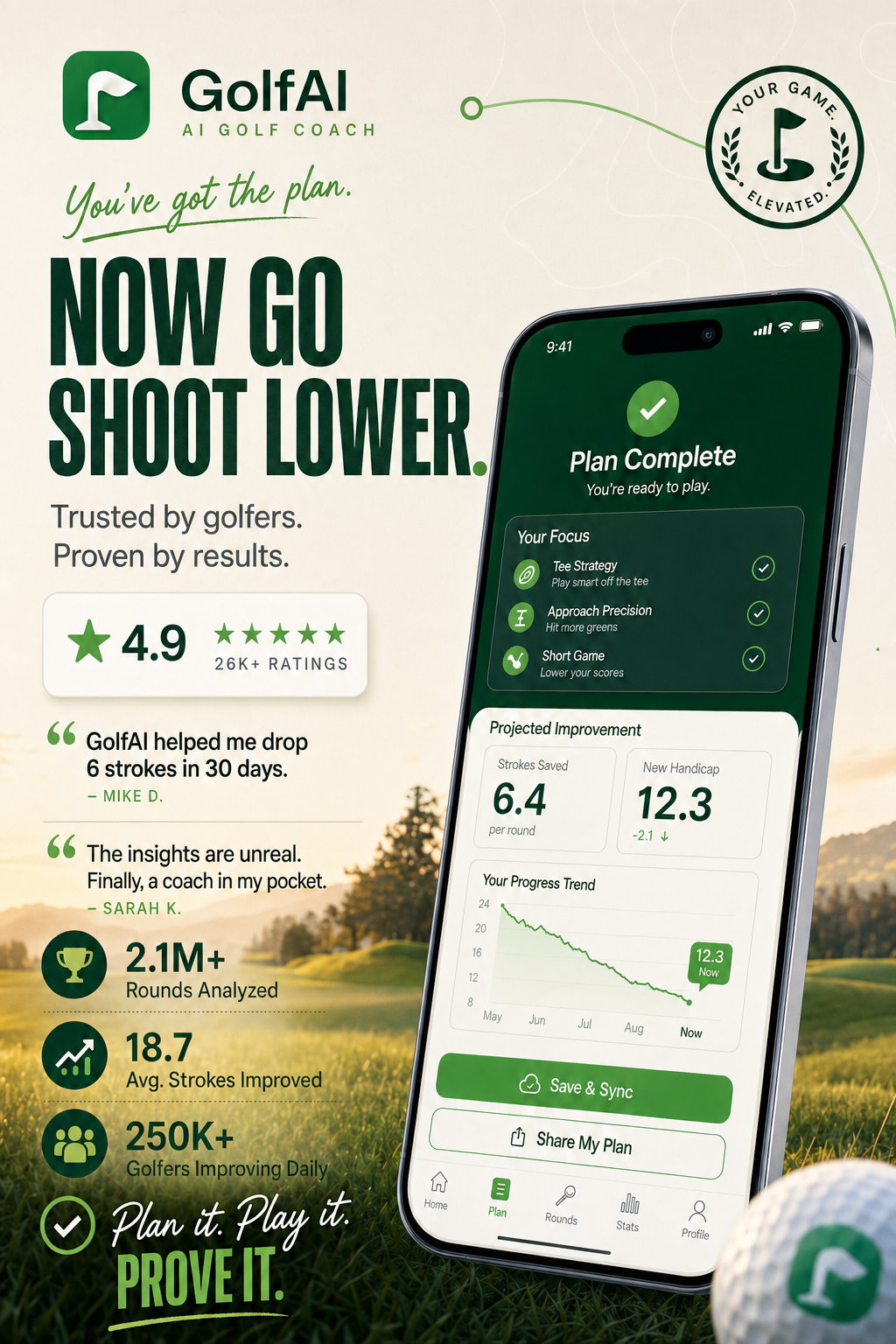
GolfAI3 screenshots
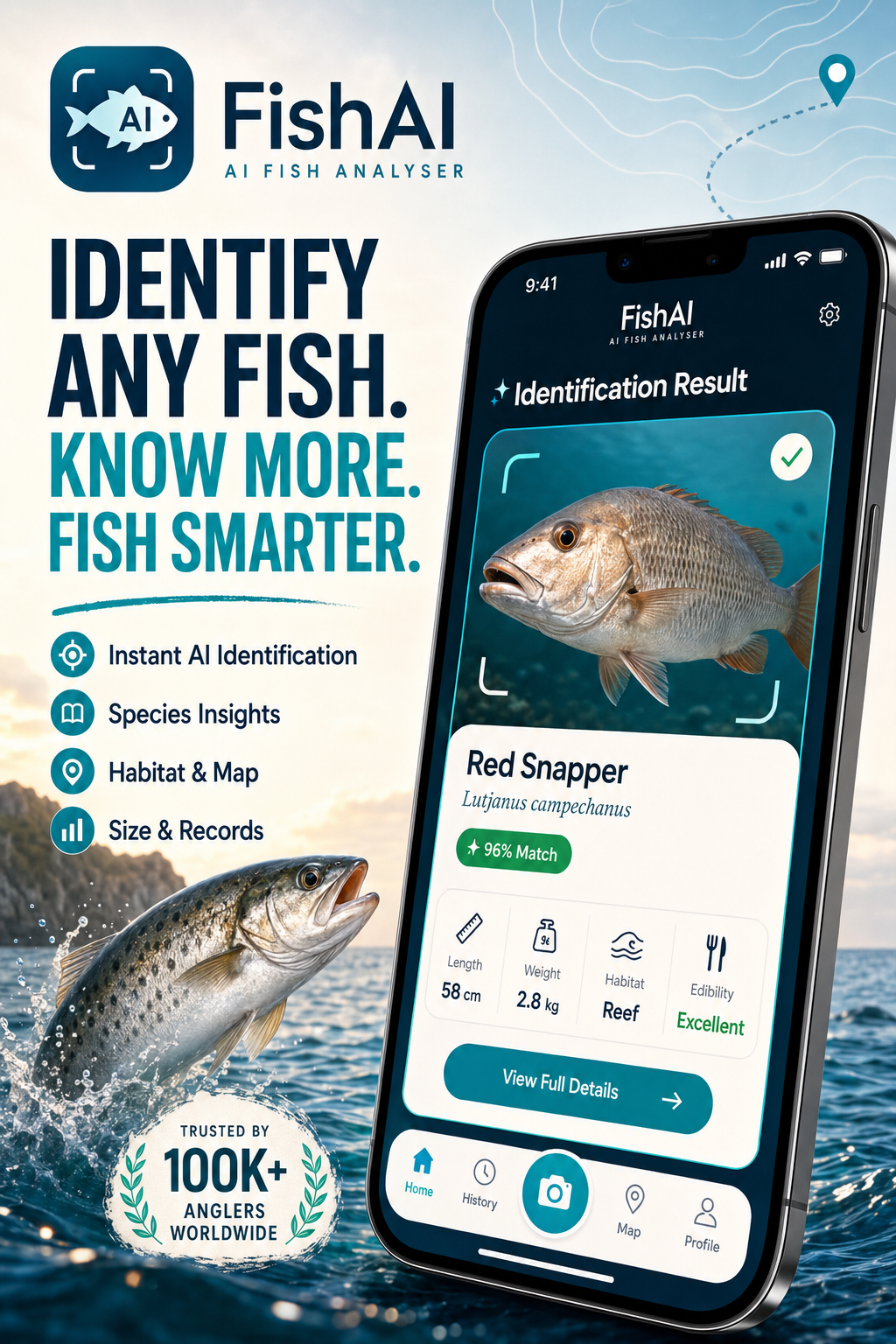
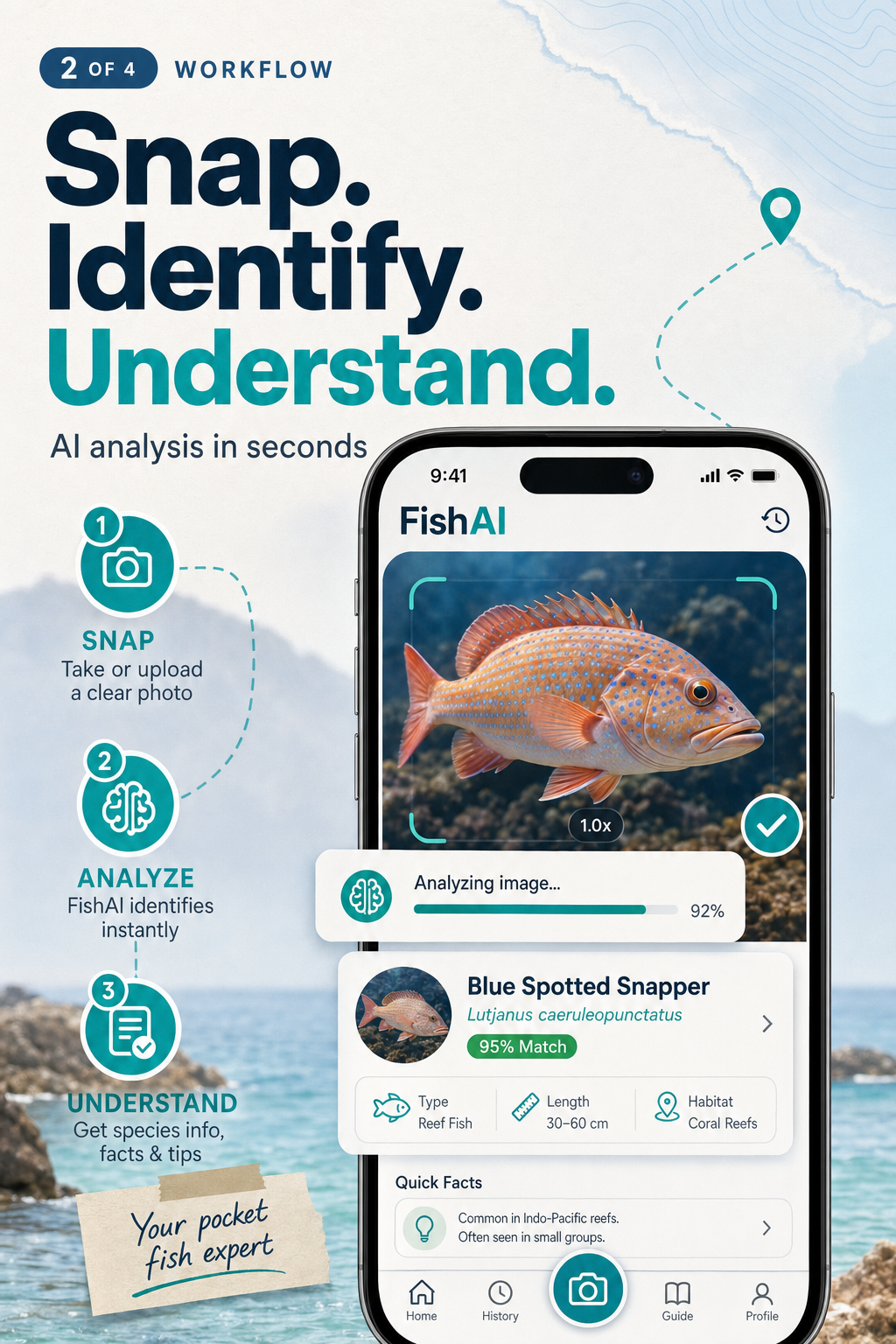
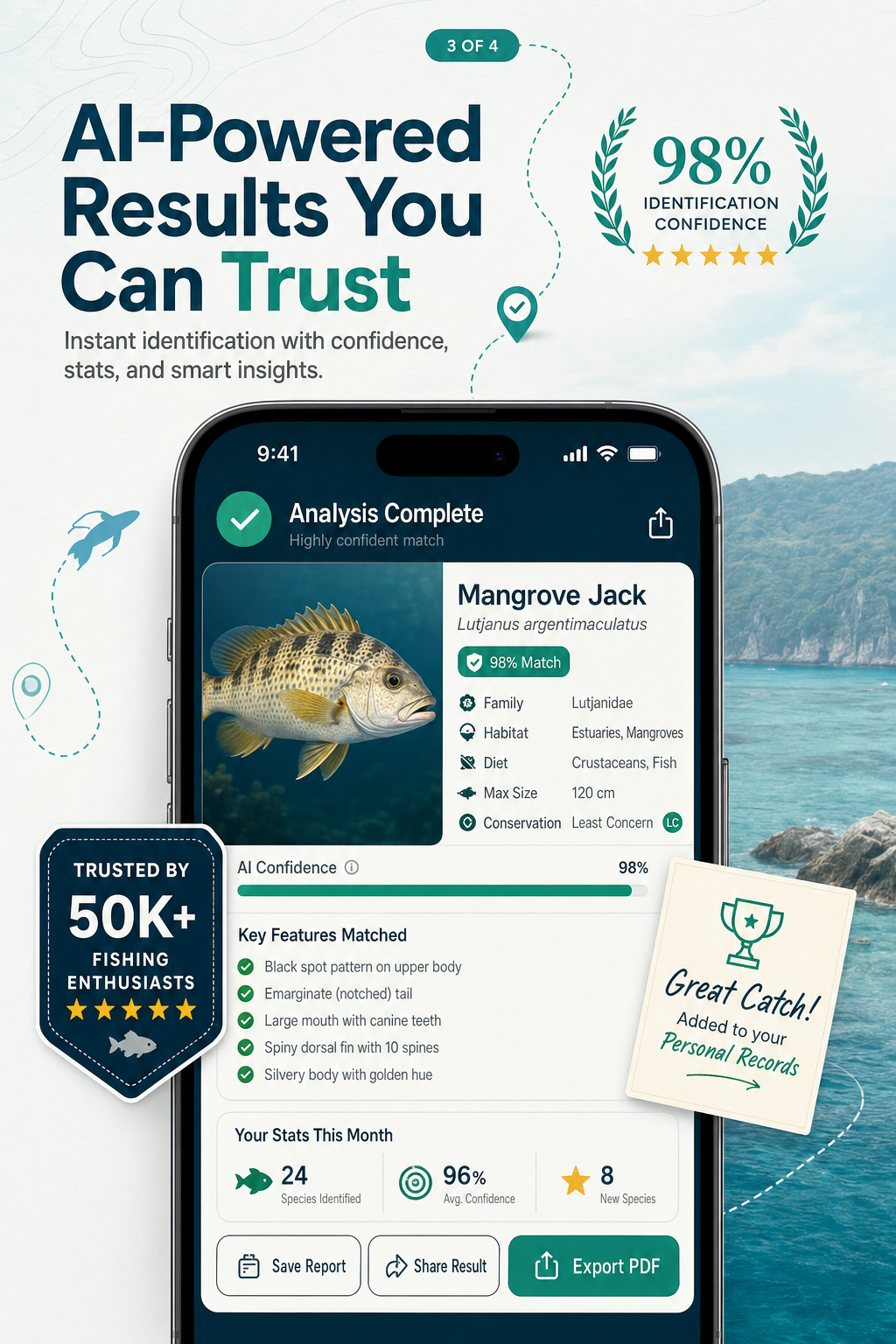
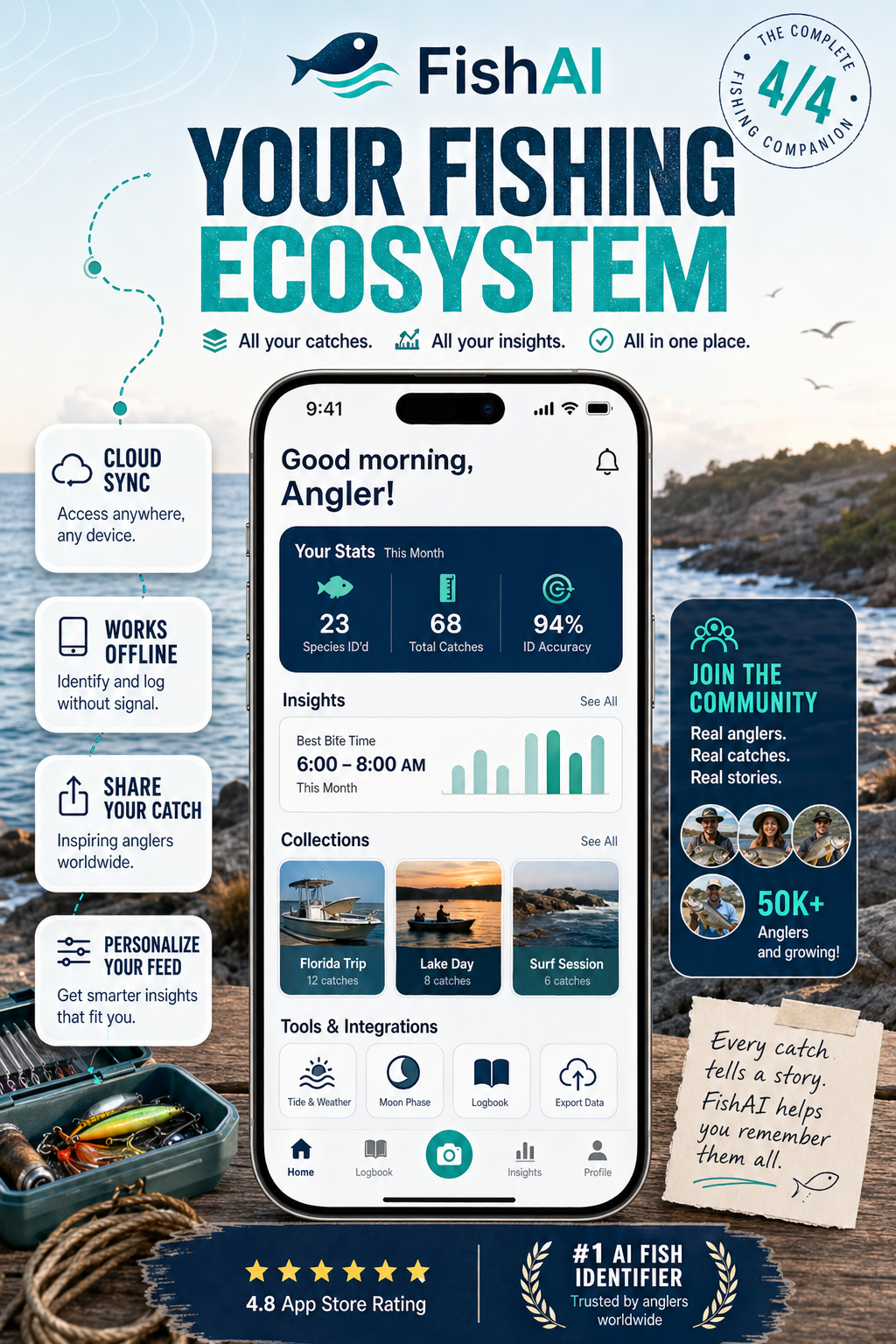
FishAI4 screenshots
DecorAI4 screenshots
GolfAI3 screenshots
FishAI4 screenshots
Powered by ChatGPT ImagesStore-ready 6.5" & 5.5" sizesPoint-and-edit iterations
Generator workspace
3 steps to store-ready screenshots
ChatGPT Images
Store-link aware
UI-preserving screens
Point and iterate
Configure
2
Upload3
GenerateStep 1
Configure
Platform
2
Step 2 · optional
Upload
Actual app screens
0/3Upload your real in-app UI. The AI frames these screens and should preserve the UI.
Design references
0/3Add layout, color, typography, or art direction. AI can reinterpret these.
Best results
Add actual screens for UI accuracy and design references for the store screenshot wrapper.
3
Step 3
Results
Your screenshots will appear here
Fill in your app details above, then hit generate to create polished store screenshots.